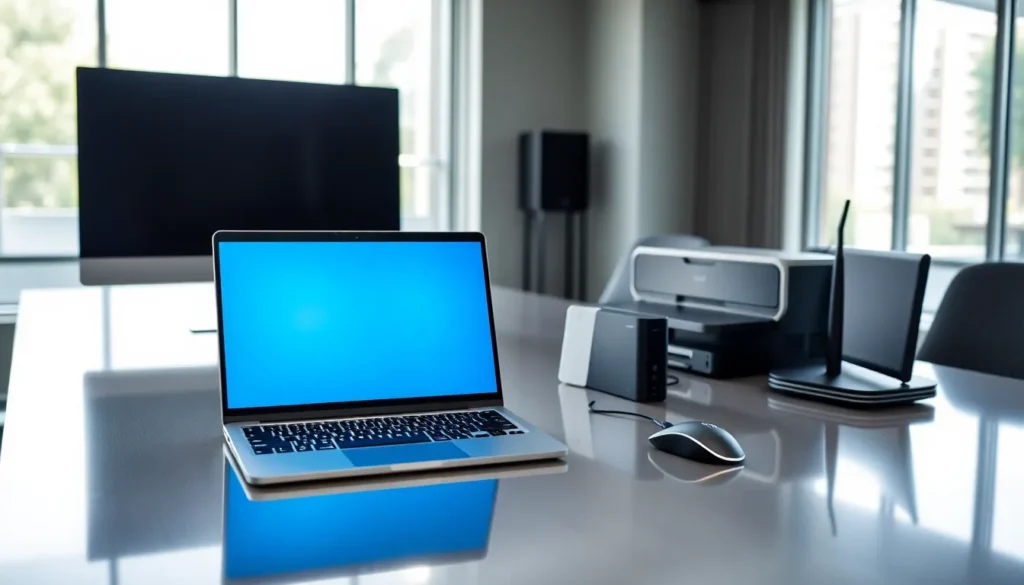
In a world where technology moves faster than a caffeinated squirrel, keeping up with hardware devices can feel like an insurmountable task. From input devices that let users interact with computers to networking gadgets connecting us all, the range seems endless. Whether you’re a tech novice or a seasoned pro, understanding these foundational elements can enhance both work and play. Let’s immerse, and who knows? You might just find that choosing the right hardware device is as satisfying as unwrapping a new gadget on Christmas morning.
Types of Hardware Devices
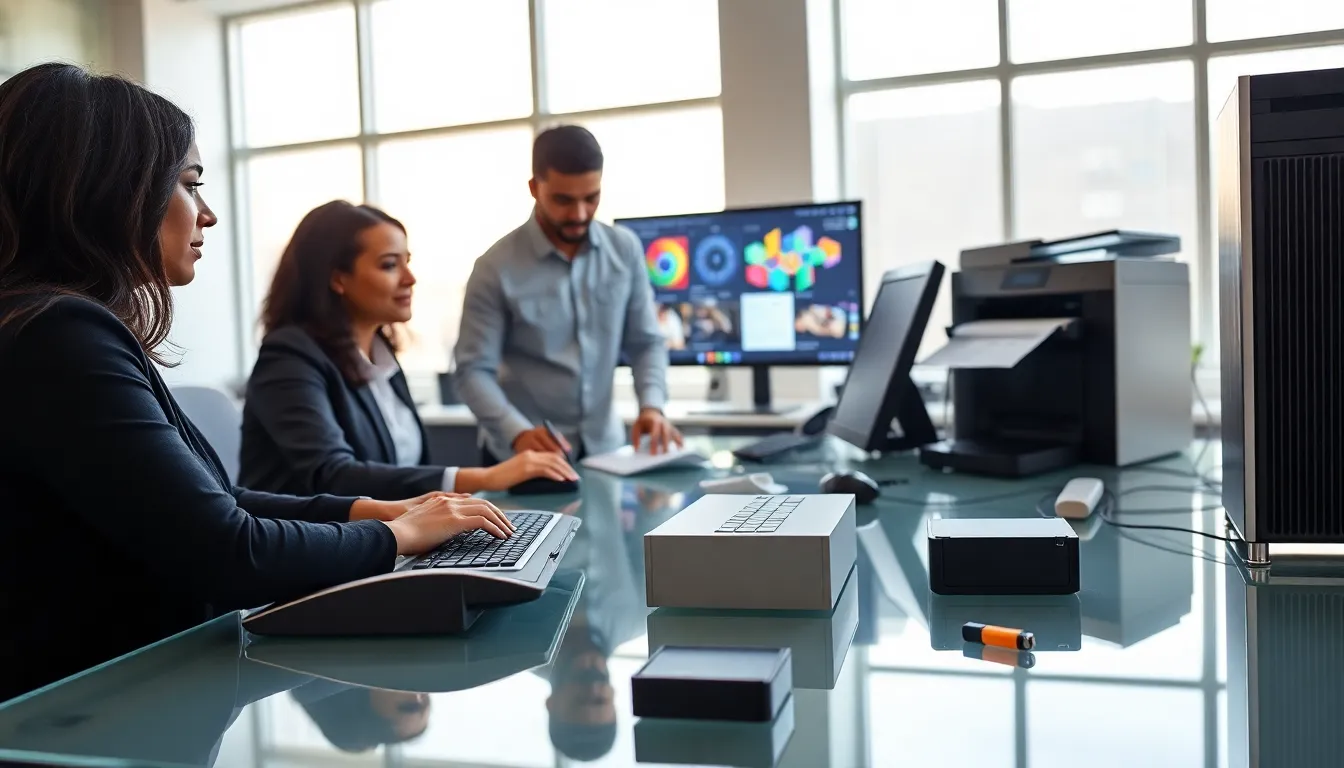
When it comes to hardware devices, categorizing them makes things easier. Think of hardware as the sturdy skeleton of technology. Each type serves a different function, and here’s the lowdown:
Input Devices
Input devices are where the magic begins. They allow users to communicate and provide data to the computer, creating a bridge between human thought and machine response. The classics include keyboards and mice, but the list also encompasses scanners and webcams. With each click or tap, these devices shape our computing experience.
Output Devices
Output devices take the data processed by computers and translate it into something usable for us mere mortals. Printers, monitors, and speakers are the usual suspects here. They transform ones and zeros into images, sounds, and tangible documents, bringing digital content into the physical world.
Storage Devices
Storage devices are like the memory banks of technology, housing everything from important documents to delightful cat videos. Hard drives, flash drives, and solid-state drives hold vast amounts of data, ready for access whenever needed. Think of them as the attic of your digital home, cluttered yet essential.
Processing Devices
Finally, we arrive at processing devices. This category includes the CPU, often referred to as the brain of the computer. Without it, nothing happens. Other examples include graphics processing units (GPUs) that handle visual rendering. These devices ensure that data is manipulated accurately and at high speeds, allowing for seamless operation.
Networking Devices
Networking devices play a crucial role in connecting computers, allowing them to communicate and share information.
Routers
Routers act like traffic directors for data moving between different networks. They ensure that packets of data reach their correct destinations, often serving both wired and wireless connections.
Switches
Switches work in tandem, connecting devices on the same network. They help in efficient data transfer by understanding where to send data packets, effectively reducing unnecessary traffic.
Modems
Modems bridge the gap between your local network and the internet. They convert analog signals to digital ones (and vice versa), making internet access possible. In homes, they are typically provided by internet service providers (ISPs) with options like DSL or cable connections.
Common Hardware Specifications
When selecting hardware devices, it’s essential to grasp common specifications that define their performance and capabilities. These specifications can make or break user experience.
CPU Speed and Core Count
The CPU’s clock speed, measured in GHz, indicates how quickly it can process instructions. But, the number of cores is equally important, as multiple cores allow for multitasking and better performance in demanding applications.
RAM Size
Random Access Memory (RAM) temporarily stores information for quick access. More RAM means a smoother experience, allowing users to run several applications simultaneously without hiccups.
Storage Capacity
Storage capacity indicates how much data can be kept in devices. Users should consider SSDs for speed and reliability, while HDDs offer larger capacities at a lower price.
Graphics Capabilities
For gamers and professionals alike, graphics capabilities matter. The specs related to GPUs can vastly affect performance in gaming, video editing, and graphic design.
Choosing the Right Hardware Device
Planning to purchase hardware? Knowledge is power, and understanding needs is vital to making the right choice. Here are a few factors to consider:
Assessing Needs
Start by assessing what tasks the hardware needs to perform. A gamer might require high-end graphics and processing capabilities, while a student may just need something for basic browsing and document editing.
Budget Considerations
Good hardware doesn’t always mean very costly. Establish a budget and look for devices that provide the best value for money. Often, mid-range options deliver excellent performance without extravagant prices.
Compatibility
Ensure any new device is compatible with existing hardware and software. There’s nothing worse than investing in a fantastic monitor only to find out it doesn’t connect to your computer.
Future Trends in Hardware Devices
As technology evolves, so does the hardware that supports it. Below are future trends that will shape how we use and interact with computers.
Increased Focus on AI
Artificial Intelligence (AI) is becoming a game-changer. Future hardware is expected to incorporate AI capabilities, making devices smarter and more responsive to users’ needs.
Sustainability
With a growing emphasis on sustainability, future devices will likely focus on using eco-friendly materials and energy-efficient designs. This trend addresses both consumer preference and environmental concerns.
Connectivity Expansion
Advancements in connectivity, such as Wi-Fi 6 and 5G technology, promise to enhance how devices interact within networks. Expect faster speeds and improved connectivity in the years to come.